A darts app with nothing to download
By Pierre, updated
Bullcast opens in the browser, on the TV and on the phone: no app store, no updates to install, no space taken. And if you want an icon, it goes on your home screen like an app.
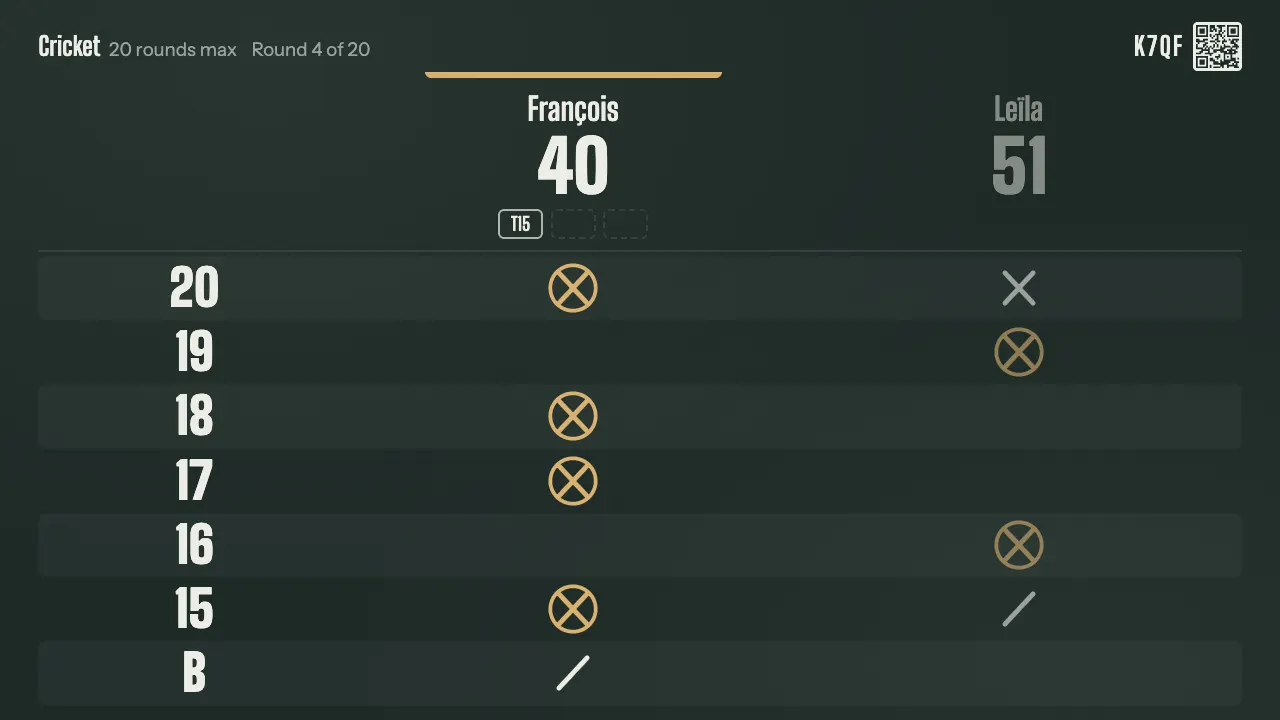
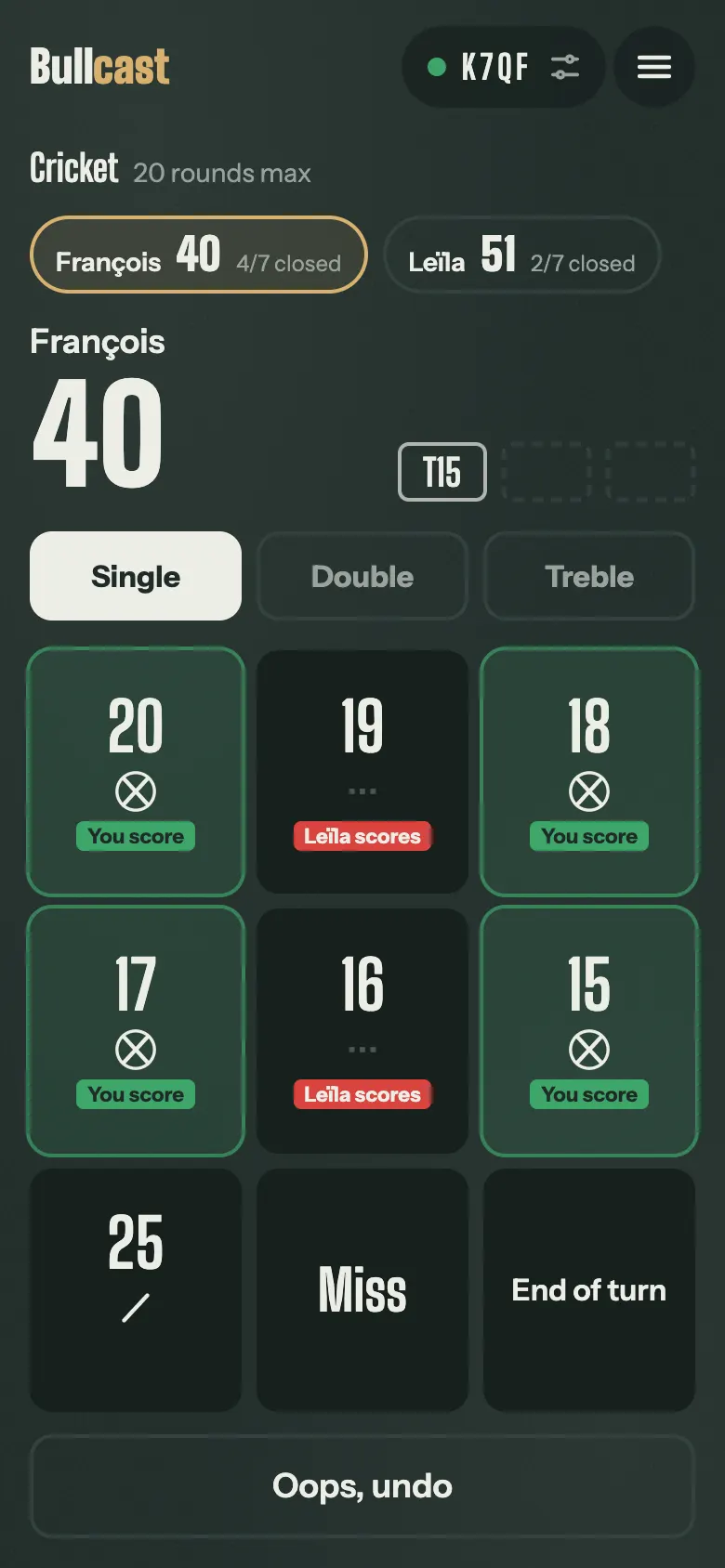
On the TV
Open the TV's browser, Silk on Fire TV, “Internet” on Samsung, “Web Browser” on LG, and type bullcast.app/tv. An HDMI stick or a plugged-in computer work too.
On the phone
The camera scans the TV's QR code, and the phone opens the game, on iPhone and Android alike.
To keep it to hand, add Bullcast to your home screen: on iPhone, Share then “Add to Home Screen”; on Android, from the browser's menu.
What you need
- A recent web browser, on the TV or computer and on the phones.
- Internet on the TV and the phones, not necessarily the same wifi: the game runs through our servers, and mobile data is plenty.
Why not an app to download
Everyone joins the game by scanning, even a friend who drops by: nobody has to install anything to enter their scores.
Open it on the TV
Three steps, and the TV shows the game's scoreboard.
Show Bullcast on the TVQuestions
Does it work offline?
No: the game lives on our servers, which keep the TV and the phones in sync. Mobile data is enough.
Do I need an account?
Not to play 301 and Cricket. An account keeps your games from one night to the next.
What about iPhone?
Safari is enough: the camera opens the QR code, and Bullcast goes on the home screen through Share.